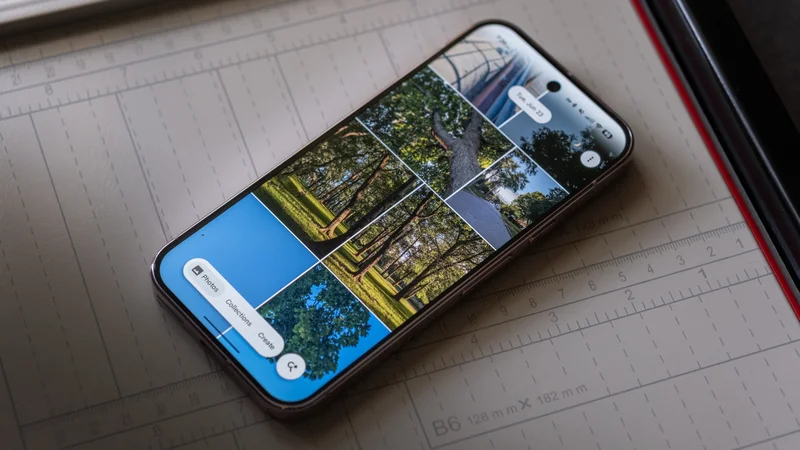
Taylor Kerns / Android Authority
TL;DR
- Google Photos is working on improving how you select and copy text in images.
- We have spotted a new button that will appear when the app detects text in a picture.
- Google also appears to be expanding its Expressive UI design to more Settings pages.
Google is once again working on a couple of changes for the Photos app. Earlier this month, we told you about Ask Photos possibly letting users edit their image metadata. This time, the Photos team is developing a better way to select and copy text from an image. On top of that, Material 3 Expressive is expanding to more areas in the app. Let’s dive in and check out what could be coming our way soon.
You’re reading an Authority Insights story. Authority Insights brings you all the latest exclusive reports, app teardowns, leaks, and in-depth tech coverage from the Android Authority team that you won’t find anywhere else.
When Google Photos detects text in a picture, it offers a couple of ways for you to copy it. One method is to bring up the image details, which can be done by swiping up on the photo. In the details, you’ll see an option to copy the text, which opens Google Lens. The other method is to trigger Google Lens directly from the three-dot menu.
CurrentCurrentNew New New
While investigating version 7.84 of the Google Photos app, we found a new way to select and copy text from an image. Google Photos appears to be working on a built-in text selection tool for pictures.
When the Photos app detects text, you’ll see a new icon sitting in the bottom right corner of the screen. Tapping this button scans the text and highlights it for you so you can copy it. A “Copy All” button will appear at the bottom of the screen, and tapping it will do exactly that. You can also long-press to select only the specific text you want to copy.
Current UICurrent UINew UINew UI
Back in January, we reported on Google revamping the Backup page in Google Photos with Material 3 Expressive design language. Now, it seems Google is ready to expand its Expressive UI to a couple more areas. We spotted the refresh on the Settings and Preferences pages. You’ll notice how each option is in a container, which makes the page look a little nicer and helps visually separate each section.
Unfortunately, it appears that Settings and Preferences are the only two pages that are being updated this time. Sharing, Apps \& devices, Notifications, and more still appear to have the old UI. Google will likely get to these pages in a future update.
⚠️ An APK teardown helps predict features that may arrive on a service in the future based on work-in-progress code. However, it is possible that such predicted features may not make it to a public release.
Thank you for being part of our community. Read our Comment Policy before posting.