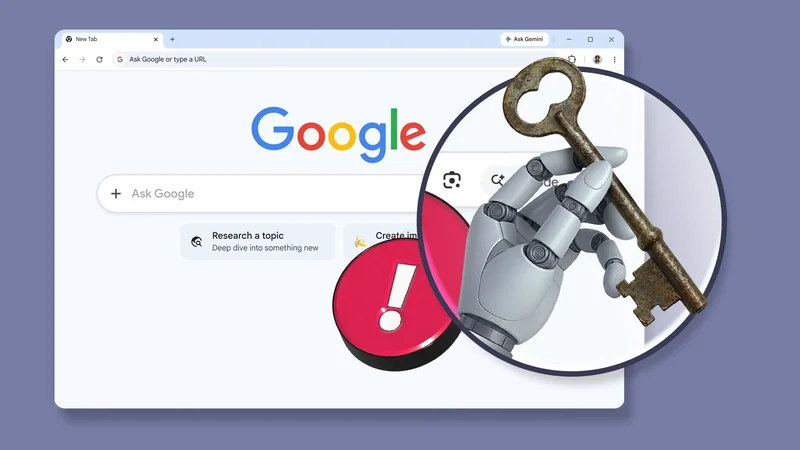
Handing a chatbot a research task is one thing. Handing over your active session cookies and stored payment methods is a different story.
Google has now wired an autonomous agent into Chrome, and when you turn it on, it can navigate sites and run multistep errands across your logged-in accounts.
Agentic browsing is the first mainstream AI feature that asks for the keys to everything at once. That's a lot of trust to hand over.
Chrome's new AI agent and who can run it
The rollout, in short
As of late July, Spark can drive auto browse in your desktop Chrome, and the same update opened Spark to AI Pro subscribers in more than 160 additional countries.
However, Chrome auto browse, the feature that lets Spark use your logged-in sessions, is still a US-only preview, gated behind a Pro or Ultra plan.
Work and school accounts are locked out by default, unless a Workspace admin flips a policy to allow it.
Even as Spark went international, the EEA, the UK, Switzerland, and Nigeria stayed off the list. Google hasn't said why, but three of the four are markets where it routinely delays AI features.
|
|
|
|
|
| Google AI Free | None | N/A | |
| Google AI Plus | $5 | None | N/A |
| Google AI Pro | $20 | Included | US only |
| Google AI Ultra | From $100 | Included | US only |
The agent browses as the logged-in user
Password Manager can be part of the deal
After auto browse is activated, Spark operates inside a local Chrome tab. That local connection is the whole point, and the consequential design decision.
The agent has access to the same sites you're signed in to as your authenticated self. It can even use your Password Manager entries to log in to new services mid-task, after you've allowed it.
Google's documentation is specific about the mechanics. Chrome performs the sign-in itself, and the raw password string never enters the model's context.
Keeping the string away from the model is worth something. But Spark still ends up inside sites that only you were supposed to see, reading account details and interacting with forms that expect sensitive data, which is a bit creepy.
Prompt injection, in plain terms
Researchers keep breaking agentic browsers
The biggest security risk facing any agentic browser is indirect prompt injection. The concept is almost ridiculous in its simplicity.
An attacker plants instructions inside ordinary-looking web content, maybe as white text on a white background, maybe buried in the fourth paragraph of a product review.
Your agent reads the page because reading the page is the job, and now it's taking orders from someone else.
Researchers have already pulled this off against real products. Zenity researchers hijacked OpenAI's ChatGPT Atlas agent with a single well-crafted social media comment.
After Atlas processed it, the agent opened WhatsApp Web and began sending phishing messages to the user's contacts.
Brave's security team ran the same play against Perplexity's Comet browser months earlier, using instructions hidden in a Reddit comment to pull a user's email address and one-time password.
Google acknowledges the threat and has published a defense architecture for Chrome. The two headline pieces are a User Alignment Critic and Agent Origin Sets.
The Critic is an isolated secondary model that inspects each proposed action against your original intent, and can veto steps it deems misaligned.
Agent Origin Sets restrict the agent from wandering to domains outside the scope of the task.
Nobody else in this category has a better defensive stack, as far as I can tell. But strong doesn't mean sealed.
Catching an obviously injected command is the easy half of the problem. Telling a genuinely helpful action apart from a subtly manipulated one is a judgment call, and the model is the one making it.
How to test Spark without risking everything
If you want to try Spark without exposing your digital life, isolation is the move. Run Gemini Spark inside a separate Chrome profile used only for delegated AI tasks.
Keep that profile empty of your personal history and saved passwords. Prune Google Password Manager, too. Pull credentials for anything you'd hate to see touched by an agent.
Chrome's transparency tools help here. The active tab keeps a running work log so you can review the agent's logic, and Chrome History tags any background pages the agent navigates, giving you an audit trail.
Draw a hard line somewhere. Mine sits at medical portals, banking transfers, and the security settings on my primary email. Convenience has a ceiling, and that's where it sits for me.