I today discovered a feature tucked away in the System Settings app that I never knew existed: you can set different default languages for individual Mac apps. If you already knew this, then there’s nothing to see here, move right along. But otherwise, this is how it does (and doesn’t) work …
There are many bilingual people who need to switch between languages in the course of a typical day, depending on who they are talking to or what they are doing. I don’t quite have that problem, but I do frequently need to switch between British English (aka English …) and US English.
(That was a friendly joke, for the avoidance of doubt! There are aspects of English which have been retained in US English but later changed in British English, such as the -ize ending becoming -ise in the UK. Additionally, as James Nicoll put it: “The problem with defending the purity of the English language is that English is about as pure as a cribhouse whore. We don’t just borrow words; on occasion, English has pursued other languages down alleyways to beat them unconscious and rifle their pockets for new vocabulary.”)
Switching between the two means that I can’t rely on spellcheck to identify those times when I’m using the correct word but in the wrong version of the language. I’d long accepted this as something I’d have to manage manually, but today discovered that there is at least a partial solution.
Tucked away right at the bottom of System Preferences > General > Language & Region is an Applications section. You can add apps to this and then select a language. Apple’s US centrism is revealed by the fact that British English is known as “English (UK)” while US English is known as “English – English.”
In my case, much of my writing is done in browsers, so I’m using two different ones depending on the target language. I have British English set as my system language, so that applies to Safari, while I have Chrome (which appears in the list alphabetized as Google Chrome), set to US English.
There is, as I’ve discovered, one important rider: you can only do this with apps that support macOS’s localization/language APIs, so not all apps appear in the list.
If I’m the last person on the planet to discover this, you can roll your multilingual eyes at me in the comments.
- Certified refurbished Apple products 15% off at apple.com
- Official Apple Store on Amazon
- Discounted AirPods Pro 3
- Wireless CarPlay adapter
- 10-year AirTag battery case
- Logitech MX Master 4 for Mac
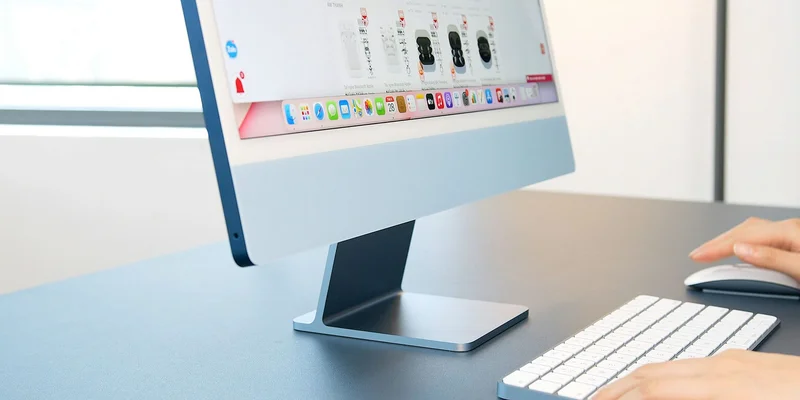
Photo by N.Tho.Duc on Unsplash