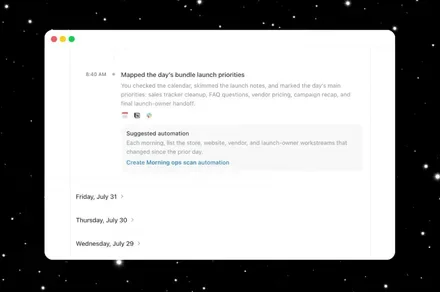
We’ve already covered how ChatGPT’s Computer History feature lets the Mac app remember what users have been doing across apps and websites, using interaction events such as clicks, typing, and app switching rather than screenshots or recordings. However, a rather uncomfortable detail in OpenAI’s official documentation is that the files containing that history aren’t encrypted.
Your Mac history is stored as plain text
OpenAI says Computer History temporarily stores interaction events on the Mac and deletes those event files after 48 hours. It then creates local memories as plain-text Markdown files. More importantly, OpenAI explicitly warns that these files aren’t encrypted and other programs running as the same macOS user may be able to access them.
That’s significant because Computer History is designed to capture a fairly broad picture of what someone does on their Mac, similar to Microsoft’s Recall feature for Windows. It doesn’t record the screen, audio, or video, but the interaction data can still reveal which apps and websites someone used, what documents they interacted with, and other potentially sensitive activity.
The problem is what else is already on the Mac
The biggest risk isn’t necessarily someone breaking into ChatGPT. It’s malware or another malicious application already running under the same macOS user account. If that software can reach the local files, the lack of encryption potentially gives it another source of information about the user’s activity.
There’s also a broader concern with giving AI systems this much context. Malicious instructions hidden inside websites or other content could potentially influence what an AI sees in its history, creating a prompt-injection risk on top of the underlying data exposure.
Thankfully, Computer History is opt-in, and OpenAI gives users controls to exclude apps and websites and delete entries. That’s certainly better than silently recording everything. But the documentation makes the trade-off much clearer: the more ChatGPT remembers about your Mac, the more sensitive information it potentially leaves behind. And when that information isn’t encrypted, that’s a compromise worth thinking twice about before switching the feature on.