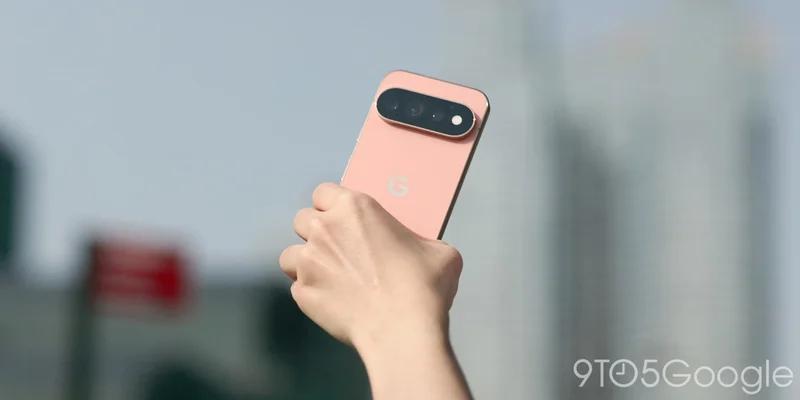
With the new phones this year, Google is introducing “Pixel search” as a “dedicated search companion designed to help you find personal information faster than ever.”
Whether you need to locate an app, find a file in Google Drive, or pull up a photo, your core device data is now accessible from a single search bar.
However, the “single search bar” mentioned by Google is not the one at the bottom of your homescreen. It’s the field available after opening the Pixel Launcher app grid.
Previously, Pixel Launcher search integrated with Clock, Contacts, Pixel Tips, Play Store, Settings, and Wallet.
Pixel 10 vs. 11
On the Pixel 11, this list has expanded to include Calendar, Drive, Files by Google, Gmail, Messages, Photos, and Pixel Screenshots. Those with multiple accounts can set a specific address for Google Drive and Gmail.
When you search for a term, you’ll see Calendar events, documents in Drive, emails, a row of photos, and chats from Google Messages. It takes just a second for all the results to populate.
Like before, you can quickly open applications, as well as access app shortcuts, though they now appear more prominently. There’s also support for your work profile.
This is a good unified search experience, but not being the one-tap default hurts it a great deal. AI Mode (the Google app) taking over the homescreen search bar continues to be quite inelegant, following the rollout of that change last December.
Google presumably wants consistency when you tap the search bar on any Android device, but this mandate just degrades the utility of device search. It greatly reduced my usage of Pixel search this past week.
The best workaround is setting Pixel Launcher search to automatically open the keyboard when you swipe up on your homescreen.