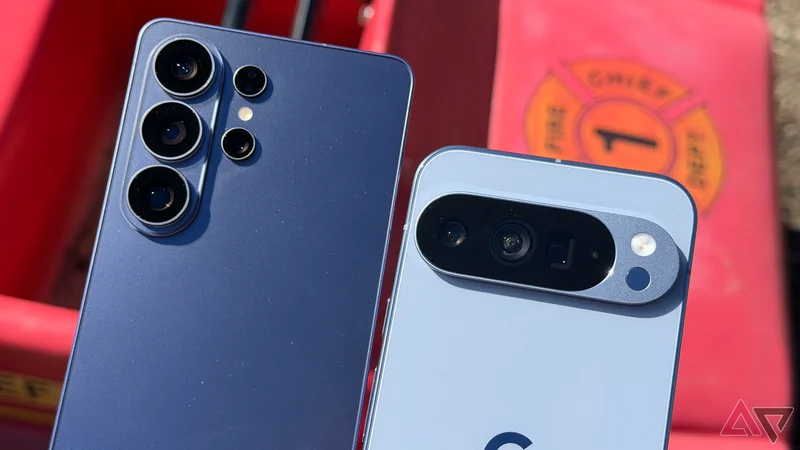
Switching between flagship Android phones usually comes down to cameras, battery life, software support, or a few design preferences.
In my case, though, the deciding factor is something less flashy. Both Samsung One UI and Google Pixel UI offer a separate protected space, but one implementation feels more polished and useful in everyday life.
Samsung's integration of Secure Folder is so smooth that it has become one of the biggest reasons I am willing to leave my Google Pixel behind.
Private Space convinced me to try Pixel again
The honeymoon period ended quickly
Private Space was one of the features that convinced me I could move back to a Pixel without giving up too much.
I became used to keeping certain apps, photos, and files separated on my Samsung phone, so Google's addition looked like the missing piece.
On paper, it checked most of the boxes I cared about, and I thought I wouldn't miss Samsung's Secure Folder nearly as much as I expected.
The problems started showing up when I tried using Private Space the same way I used Secure Folder.
Moving photos and videos is a good example. If I want to take something from my main Google Photos library and put it inside Private Space, the process isn't as seamless.
If I move media from Google Photos main profile to Private Space, the system copies the media rather than moving it.
Then, I have to go back, delete the original, and even clear it from Trash if I want it completely gone from the main profile.
The alternative is to enter Private Space and use the + button to bring the files in from there. It works, but it is nowhere near as effortless as I expected.
Apps gave me another headache. I can't move an app from my regular profile into Private Space.
I need to set up a separate Google account or profile inside Private Space, open its own Play Store, and download the app again.
Then there's how Private Space appears in the app drawer. I can hide the obvious Private Space section.
But anyone can type Private into the app drawer search bar, and the Private Space option can still show up.
They can't open it without my authentication, but they can tell that I have something hidden on the phone.
These are small niggles, but after using Secure Folder, they became impossible for me to overlook.
Secure Folder is neatly integrated into One UI
It works well with the main profile
This is where Samsung's approach feels more mature. Take photos and videos, for example.
I can open Samsung Gallery, select whatever I want to protect, tap the menu, and move it to Secure Folder. That is it.
Samsung moves the files instead of leaving another copy behind.
The same convenience extends to My Files. If I have a PDF, voice recording, document, or another sensitive file, I can select it, open the three-dot menu, and move it to Secure Folder.
Samsung also gives me better control over Secure Folder's visibility. I can hide it using the Quick Settings toggle when I don't need it.
If I want maximum privacy, I can remove that Secure Folder toggle from Quick Settings.
Apps are as convenient. I can add apps that are installed on my phone to Secure Folder and use them.
I don't need to create another Google account and download everything again just to get started.
Secure Folder is packed with customization
I went back to Galaxy faster than expected
I also like how much Samsung lets me customize Secure Folder. I can change its name, swap the icon, and give it a different identity.
Instead of leaving a big "Secure Folder" label sitting in my app drawer, I can make it look like something ordinary that would never attract attention.
That extra layer makes the feature more thoughtful than simply locking a folder behind authentication.
I didn't expect one privacy feature to influence my phone choice this much, but I went back to my Galaxy S25 Ultra faster than I expected.
Pixel is great, but Samsung wins
I still like the Pixel experience (those smooth animations are hard to beat), and Private Space is a welcome addition to Google's version of Android.
But Samsung's Secure Folder feels more mature. It is better integrated, gives me more flexibility, and makes separating personal apps, files, and accounts feel effortless instead of restrictive.
This isn't the kind of feature that dominates spec sheets or launch events, but it is one I use and appreciate every day.
If you are new to Samsung Secure Folder, check out these tips to get the best out of it.