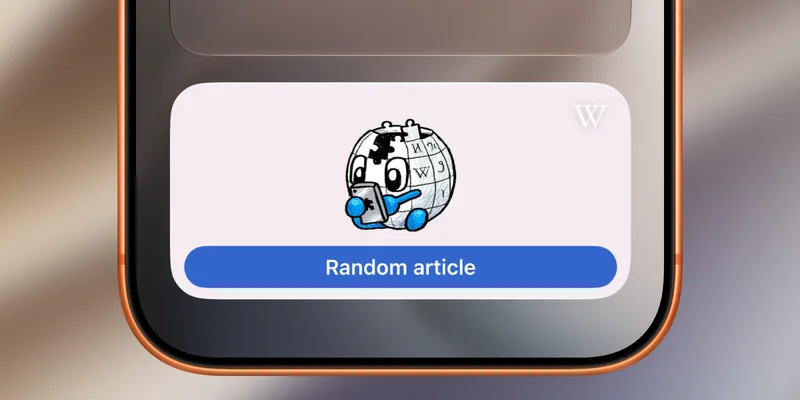
If you’re anything like me, you can relate to spending way too much time going down the rabbit hole of random articles on Wikipedia. Now there’s officially an app, err, widget for that.
Finally, a button that opens random Wikipedia articles
Today’s Wikipedia iOS app update introduces a very fun and useful new thing: a random articles widget for your iPhone and iPad Home Screen.
It comes in two sizes (small and medium) and includes one friendly little mascot.
Tapping the widget launches you into a completely random Wikipedia article, plus it puts you in randomizer mode.
No need to leave the app and tap the widget again. Just tap the randomizer button, which rolls the virtual dice, and keeps you going down the very random rabbit hole.
Enjoy, but try not to lose track of time! Earlier this summer, Wikipedia’s app gained a historical facts trivia game as well.
Find the new widget in today’s Wikipedia iPhone and iPad app update.
Do more with your Apple products