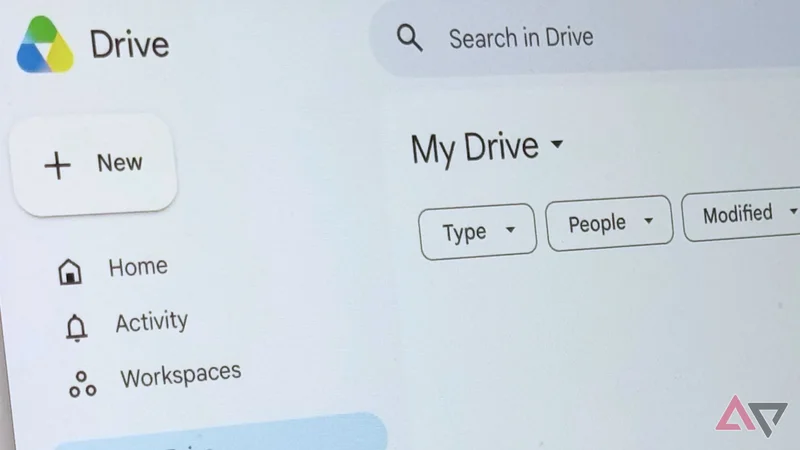
Google Drive's desktop app has officially stopped supporting Google Photos backups as of August 10, 2026. If you're someone that's been relying on this file synchronization, it's no longer available, but the good news is that your photos will still be backed up to the cloud and won't be deleted.
To make sure your photos going forward are safe and backed up, you will have to rework your workflow. This can be a huge pain, but we have the answers to make the transition as seamless as possible.
No matter how many times it happens, it's still shocking
We shouldn't be surprised anymore, but it still catches us off guard when Google decides to shut down an app, cancel a service, or terminate a feature. It's one of those things that's always looming in the back of a Google user's mind, because something you rely on every day could be gone in an instant. Worst yet is that even with Google's warning, it still doesn't allow users to prepare for alternate solutions. Google's products integrate so well with each other that it becomes a huge pain to try to get them to integrate with other solutions.
What can be done now
When it comes to solutions, Google recommends using Google Photos to back up any photo folders in the future. The only thing that makes this tricky is that Photos doesn't have a desktop app like Google Drive. So, every time you want to back up your photos, you'll need to navigate to the Photos webpage and keep it open while it backs things up.
You can do this by heading to the Google Photos website and setting "Back up folders" by heading into the "+" section. If you need a visual, you can see what this looks like in the image above. Once this is all set, you're good to go. Once again, just make sure to navigate to the Photos website whenever you want to back up your photos.
Use the app if you can
If you're someone who uses a phone to take most of their photos, we highly recommend downloading the Google Photos app and having it automatically back up your photos to the service. It's fairly painless, with the app providing instant uploads to the cloud.
You can always upload at full quality or save some cloud space with a more efficient setting. Just to be clear, any existing photos that are saved on either service won't be deleted with this new change.
You just won't have the ability to sync photos from Drive to Photos automatically on the desktop app. We don't love it, but it's something that users will have to deal with going forward.