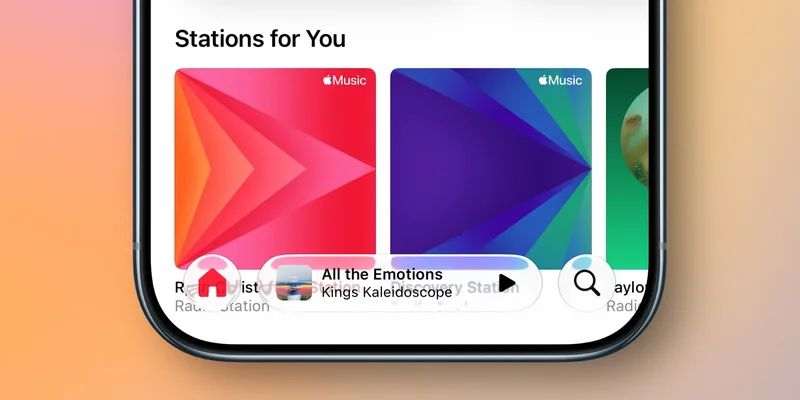
iOS 27 beta 5 released yesterday, and alongside redesigned app icons and new Siri AI voice options, the update also lets you make Liquid Glass more transparent than ever.
Liquid Glass slider in iOS 27 now enables even more transparency with beta 5
When iOS 27 launches next month, it will bring refinements for Apple’s Liquid Glass design across many aspects of the iPhone interface.
But iOS 27 also adds an important customization tool: a Liquid Glass slider.
The new slider in Settings ⇾ Appearance ⇾ Liquid Glass lets you dial in your preferred level of Liquid Glass transparency. You can make it highly transparent, very tinted, or somewhere in between.
And in this week’s beta 5, Apple has tweaked the slider so that its most transparent setting is now even more transparent than before.
You can see a great comparison via Beta Profiles on X:
It’s not a massive change, but if you like having UI elements as transparent as possible, iOS 27 delivers an even more ‘glass-y’ experience.
And the great thing about a slider is that whatever your preference, iOS 27 lets you achieve it.
How do you like your Liquid Glass styled? Let us know in the comments.
Best iPhone accessories
- AirPods Pro 3 (now only $189, down from $249)
- MagSafe Car Mount for iPhone
- 10-year AirTag battery case
- 100W USB-C fast charging power adapter
- AirTag 2 (1-pack / 4-pack)