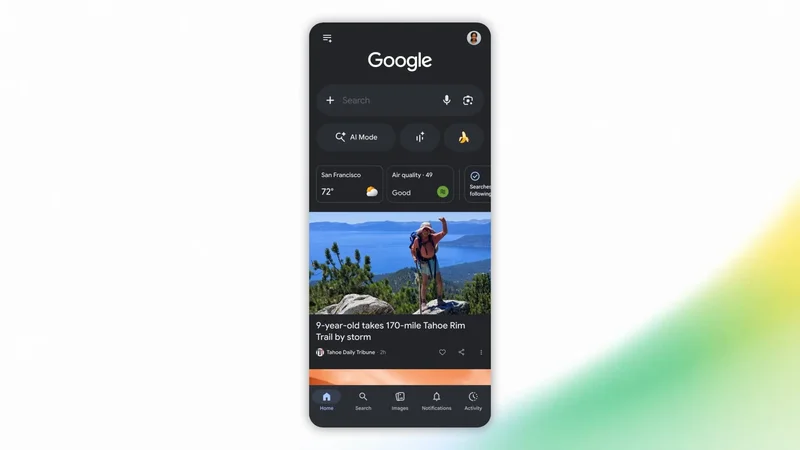
Google is rolling out updates that let you customize Discover and the Google News audio briefing.
You can now customize the Google Discover feed via a prompt-based interface. This lets you “tell Google the exact topics or links you want to see more (or less) of, in your words.” Google can ask follow-up questions to further tune what is surfaced.
Your feed will adjust on the fly, and remember your requests. By letting you refine your tastes in real time, Discover can connect you with content that genuinely matches what you care about right now.
Once available, tap the three-dot overflow button or the dedicated card to enter a prompt. Testing started last year, and this is now rolling out in the coming days.
Meanwhile, Google News will let you customize its daily audio briefing. This lets you select specific topics across Headlines, Business, Entertainment & lifestyle, Sports, Science & technology, and more.
Underneath each category, you can get more granular. For example, the Entertainment category lets you choose from Arts & Design, Movies, Music, Theater, and TV.
The final announcement today is for publishers. Google now offers an interactive “Preferred Sources” button that can be embedded into websites. Clicking the button adds the publication as a Preferred Source “and immediately directs [readers] back to where they left off on the publisher’s page.” This applies to the Top Stories carousel in Search, AI Overviews, and AI Mode.