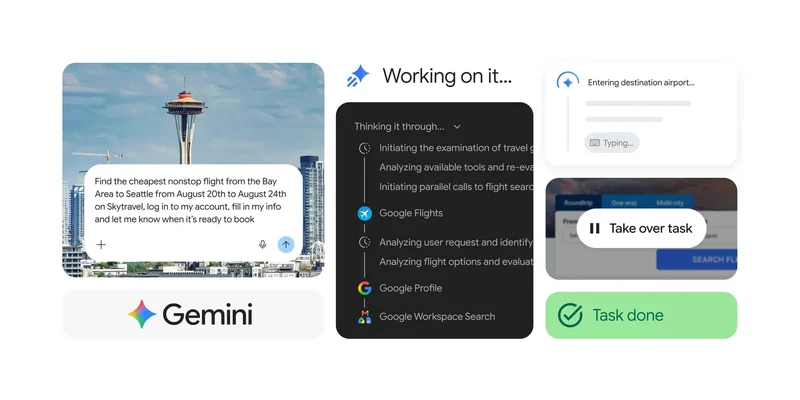
Gemini Spark is getting two big updates today, starting with Chrome auto browse integration on desktop.
Previously, Gemini Spark had access to a remote web browser. Google’s personal agent for automating daily tasks can now use desktop Chrome on your device to browse using logged-in accounts and saved passwords. This joins other tools like Connected Apps (Workspace and Search), Personal Intelligence, remote computer with code execution, and Canvas.
Specifically, Spark can use Chrome’s auto browse feature introduced for Gemini in Chrome earlier this year. After granting access, you’ll see a Gemini and auto browse indicator in Chrome’s top bar.
On the safety front, you have to approve payments and other sensitive actions, while the browser features protection against prompt injection.
Google’s example use cases of “tedious web errands” include “scheduling viewings for apartments you’ve saved or researching flight options and starting the booking process.”
Gemini Spark’s Chrome integration is rolling out first in the US with more regions coming in the future.
On that note, Gemini Spark is coming to Google AI Pro subscribers in over 160 additional countries starting today. This follows a complete US rollout earlier this month.
Google has been adding a slew of features to Gemini Spark since it launched in May. Recent launches introduced MCP integrations and Mac app availability for local desktop control.