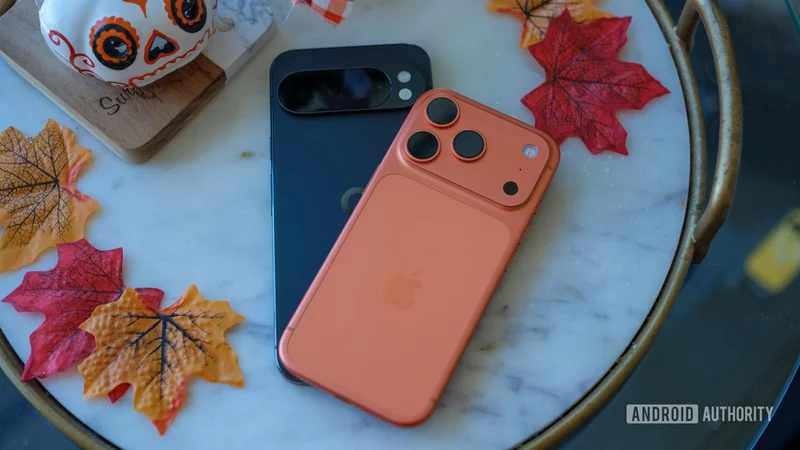
Ryan Haines / Android Authority
TL;DR
- Google has shared more information about its improved Android Switch utility, including what data can be moved and which phones are supported.
- The new version of Android Switch requires Android 17 and is available on Pixel 8, 9, and 10 phones, as well as Samsung’s latest foldables.
- The Pixel 8 can only use Android Switch during initial setup. Other eligible phones can access the feature at any time.
With the stable release of Android 17 for Pixel devices last week, Google introduced a new-and-improved device transfer tool to make it easier to switch from iPhone to Android. Built in collaboration with Apple, the revamped Android Switch is built right into Android 17, letting users move more data from their old iPhone in a more seamless way, with our without a wired connection. Today, we’re getting more info about what the upgraded feature can do and which devices can take advantage — and it turns out some Android 17 devices aren’t supported.
Google’s Mishaal Rahman posted some helpful new info about the new Android Switch on Reddit this morning. Right now, the updated experience is available on Pixel 8, Pixel 9, and Pixel 10 series phones, as well as Samsung’s new Galaxy Z Flip 8 and Z Fold 8 phones. That means the Pixel 6 and Pixel 7 can’t take advantage, despite being eligible for the Android 17 update. That seems like a pretty minor omission; there probably aren’t many users switching from an iPhone to a four- or five-year-old Android device.
As explained by Google’s support documentation, the Pixel 8 only has access to Android Switch while you’re setting up the phone. For Pixel 9, Pixel 10, and Samsung’s latest foldables, though, you’re able to transfer data from your old device after setup by heading to the Accounts and backup section of your phone’s settings.
Rahman shared this handy chart showing what types of data can be transferred from iOS to Android using the new, upgraded Android Switch compared to older methods:
| | | | |
| --- | --- | --- | --- |
| | Classic (Wireless) | Classic (Wired) | Upgraded |
| Calendar events | Yes | Yes | Yes |
| Contacts | Yes | Yes | Yes |
| Local photos and videos | Yes | Yes | Yes |
| Clock alarms | No | Yes | Yes |
| Device and Accessibility Settings | No | Yes | Yes |
| Downloaded files | No | Yes | Yes |
| Free apps | No | Yes | Yes |
| Homescreen layout | No | Yes | Yes |
| iMessage history | No | Yes | Yes |
| Music files | No | Yes | Yes |
| Notes (text-only) | No | Yes | Yes |
| Voice memos | No | Yes | Yes |
| Wallpapers | No | Yes | Yes |
| WhatsApp history | No | Yes | Yes |
| SMS, MMS, and RCS history | No | Yes | Yes |
| Encrypted RCS | No | No | Yes |
| All files and folders | No | No | Yes |
| Calendar attachments | No | No | Yes |
| Call history | No | No | Yes |
| Google Account | No | No | Yes |
| eSIM | No | No | Yes |
| Notes attachments | No | No | Yes |
| Notes labels | No | No | Yes |
| Offloaded message attachments | No | No | Yes |
| One-Time Passwords | No | No | Yes |
| Passkeys | No | No | Yes |
| Passwords | No | No | Yes |
| Third-party app data channel | No | No | Yes |
| Wi-Fi credentials | No | No | Yes |
| Photo albums | No | No | Coming soon |
Google’s documentation also notes that you’re able to transfer your WhatsApp chat history after initial setup, even if you’re not using a device that supports post-setup Android Switch data transfers.
Based on what Rahman’s shared today, it seems like the new transfer method can move practically everything from your old iPhone to your new Android device in one go. New support for transferring passkeys, eSIM data, and encrypted RCS messages seems especially handy.
The updated Android Switch feature is available now on Pixel 8, 9, and 10 phones running Android 17, as well as the new Samsung Galaxy Z Fold 8, Z Fold 8 Ultra, and Z Flip 8.
Thank you for being part of our community. Read our Comment Policy before posting.