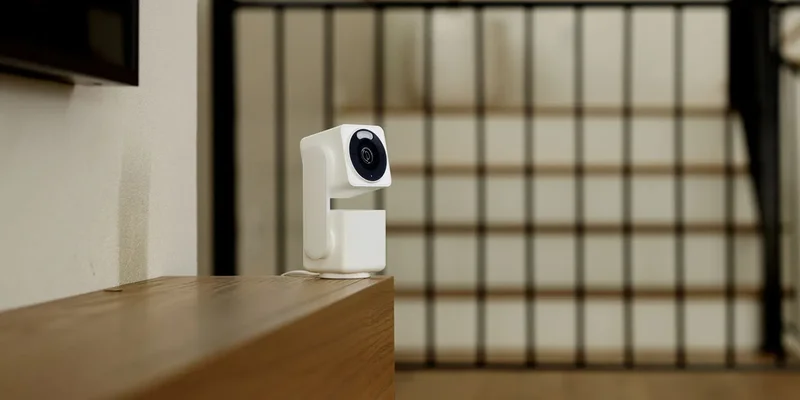
While hit-or-miss support has been in place for years, Google Home’s latest update supposedly brings better support for third-party camera brands, including the likes of Wyze, Anker’s Eufy, and more.
The ability to use all of your smart home gear in a single place is one of the best aspects of the Google Home app, but it’s only a half-measure for cameras. While countless third-party brands have long supported Google Home integration for smart displays, proper live viewing in the Home app has been very hit-or-miss. Cameras from Arlo have offered support for some time, and there was also a point where cameras from Reolink and TP-Link (Tapo) showed up – though functionality is very inconsistent. Some Wyze cameras also work well in Google Home.
This week, Google says that “a wider range of cameras” now support viewing “home security feeds” in the Google Home app alongside cameras from Nest and Walmart. Supported brands include:
- Eufy (by Anker)
- Tapo (by TP-Link)
- Wyze
- Reolink
- Nanit
Support for more camera brands:You can now connect a wider range of cameras, including those from Eufy, Tapo, Wyze, Reolink & Nanit, and view all your home security feeds in one place inside the Google Home app.
You’ll notice that a few of those have already been supported in some capacity over the years, but it sounds like Google is perhaps opening the door to proper support. Hopefully, that means some performance improvements. If you’re using any of these camera brands, let us know in the comments if they’re working better.
The rest of the latest Google Home update includes a new “Save clip” button for event recordings from Nest & Walmart cameras and several other quality-of-life improvements.
Google explains:
New quick ‘Save Clip’ shortcut:New shortcut makes it easier to download event recordings straight from your camera view. Just tap the 3-dot menu next to any recording in your event list to save it instantly by clicking on the download shortcut. (Tip:Want a custom clip length? Use the menu button while playing or scrolling the timeline!).
AI event descriptions(Home Premium Advanced):Subscribers can now read helpful, auto-generated event summaries right inside the full-screen camera view so you know what happened at a glance.
Smarter camera view defaults:The main camera view now opens directly to your timeline or event list so you can jump straight to important moments.
Auto full-screen in landscape:Rotate your phone sideways while watching a live feed or recording in portrait to automatically jump into full-screen view.
Longer live streaming:Watch your Nest camera live streams for longer without interruptions, thanks to under-the-hood stability improvements.
Quick stream reconnects (Android):If your Wi-Fi or cellular connection drops, the app instantly notices and gives you a quick retry button to get your live view back up fast.
Smoother feed scrolling (Android):Enjoy a smoother experience when scrolling through your camera list—video feeds now pause and resume seamlessly as you move down the page.
Smoother camera history scrolling (iOS):Fixed a camera timeline issue on iOS where manually scrolling back to live video could occasionally get stuck on an empty historical frame
Accurate battery status indicators (iOS):Resolved an issue where live streaming cameras with unreadable battery levels would erroneously display a dead battery icon.
Performance improvements for Samsung phones:Fixed issue where camera audio stream used call volume instead of media volume.
More on Google Home:
- Google Home will fix broken Familiar Faces alerts on Walmart’s Onn cameras
- Gemini for Home context memory expands to 15 mins, Nest Cam July 2026 update rolling out
- Google Home app update makes automation easier, improves cameras, more
Follow Ben: Twitter/X, Threads, Bluesky, and Instagram