Want it or not, Google has slowly but surely filled almost every one of its products with AI.
Open any Google app or service, whether it's Google Docs, Google Maps, the Play Store, or Gmail, and chances are you'll find some form of Gemini integration built into it.
Some of those AI features have made life easier. Things like Gemini using local context to improve navigation in Google Maps or Help Me Write in Docs are actually useful.
Still, I've never been a fan of adding AI just for the sake of adding AI to products that don't really need it.
Or at least, that was my opinion at first.
When Google started bringing AI features to YouTube, I was firmly against the idea. But after using one particular feature for the past few weeks, I have to admit it completely changed my mind.
YouTube AI is surprisingly useful for finding video timestamps
It helps me jump to the right moment without scrubbing through long videos
When Google introduced the Ask Videos feature in YouTube, my immediate reaction was, "Why would anyone use this when they're literally watching the video they want to ask questions about?"
It didn't make much sense to me. If I'm watching a video, I'd rather hear the creator explain something than ask an AI model to summarize it for me. Besides, AI can make mistakes, and Google warns users about that.
But over the past few weeks, I've found one use case that has completely changed my opinion of this feature, and that is generating rough timestamps for videos.
Google already lets creators add chapters to their videos and generates them automatically during upload. The problem is that not every YouTube video has chapters.
If you're watching a 40-minute or 1-hour video, finding a specific section usually means scrubbing through the timeline until you stumble upon it.
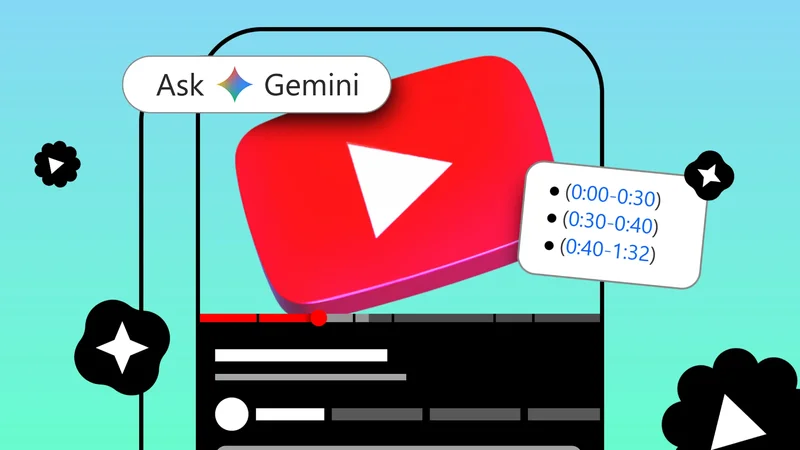
Ask Videos solves that surprisingly well. Instead of manually searching, I ask Gemini to generate rough timestamps for the video.
Within a few seconds, it gives me a breakdown of the main topics along with approximate timestamps, and I can tap any of them to jump to that section.
Using the Ask Videos feature on YouTube is simple:
- Open the YouTube video you want to watch.
Tap the **Gemini icon**in the action bar next to the Like, Dislike, and Share buttons.
-
**Type your question**or prompt into the text box.
When you open the Gemini pop-up on the video page, YouTube suggests a few prompts depending on the video you're watching. For example, if it's an EV review, you'll see shortcuts to ask about performance, range, practicality, and other topics.
However, I mostly use this feature to generate timestamps for videos that don't already have them.
I type something like "Generate rough timestamps for this video," and Gemini returns a fairly detailed outline of the video's sections along with approximate timestamps, so I can jump to the part I'm interested in by tapping the timestamp.
This is a feature I think students will especially appreciate, particularly when watching long educational videos that cover multiple topics.
Even if you're in a hurry and only want to watch one specific section, it's a faster way to get there than scrubbing through the timeline.
But I also want AI to help remove AI-generated videos from my feed
YouTube needs a simple toggle to hide AI slop from recommendations
While I've come around to some of YouTube's AI features, there's another AI-related issue that bothers me far more: the flood of AI-generated videos in my recommendations.
Thanks to tools like Google's Omni and other video-generative AI platforms, creating videos has become incredibly easy.
Unfortunately, that also means my YouTube home feed is increasingly filled with AI-generated content that I have absolutely no interest in watching.
It feels like my recommendations have become cluttered with AI slop, and I wish there were a toggle to hide those videos altogether.
I'd love YouTube to introduce an option that lets users opt out of AI-generated content in their recommendations. In my opinion, that would do more to improve YouTube than many of the AI features the company announced recently.
Judging by how many people are complaining online, I know I'm not the only one who's tired of seeing AI slop take over their feeds.
The next step should be giving us control over AI-generated content
AI itself isn't the problem. It's how people choose to use it. We've heard this before, and YouTube is probably the best example.
The Ask videos feature is genuinely useful, and it's one AI feature I've started relying on. But at the same time, AI-generated videos that exist purely to farm views make the platform noticeably worse.
So yes, I think Google has done a good job integrating AI into YouTube. I've also found Gemini useful for things like staying on top of bills and planning trips.
But if YouTube is going to keep embracing AI, I think it also owes users better control over how much AI-generated content they want to see.