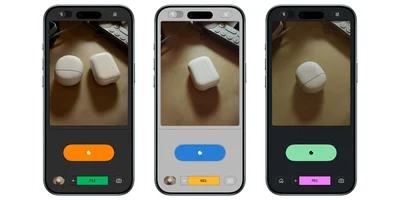
Another update for the Snapseed Camera on Android this month introduces location metadata and support for saving the original image.
Images shot with the Snapseed Camera can now be geotagged, just like other shots on your phone. In Camera Settings, you’ll find a new “Location Metadata” toggle. It’s off by default and tapping opens the system prompt to grant permission.
Meanwhile, “Capture original for re-editing” is enabled by default. If you’re using one of the Film Styles or Looks, Snapseed Camera can save the base image for future edits. This new preference also provides an option to select where images taken by the Camera are saved. From the system file picker, you can create new folders for Snapseed.
We’re seeing these two new options widely roll out with version 4.1.1.x of Snapseed for Android.
Advertisement - scroll for more content
Recent updates introduced grid lines and level options to the Camera, while the big release earlier this month expanded RAW support to the editor. You can now also undo and redo edits while using most tools.
FTC: We use income earning auto affiliate links. More.